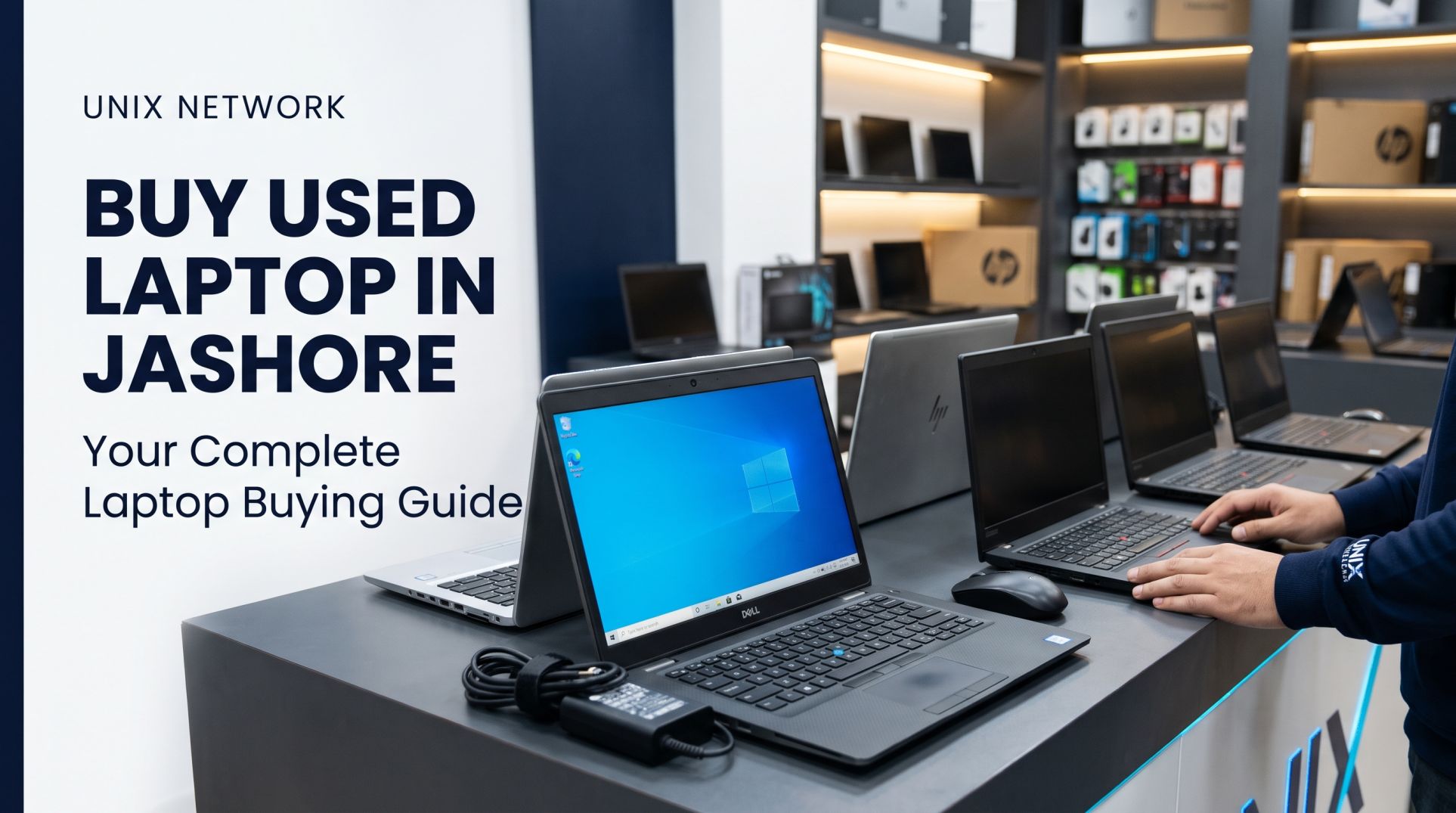
Buy Used Laptop in Jashore: A Complete Buying Guide for Choosing the Right Laptop
Looking for a reliable way to buy a used laptop in Jashore without spending too much? A second-hand laptop can be an excellent choice for students, freelancers, office professionals, business owners, and everyday users who need a capable computer at an affordable price. Whether you need a laptop for online classes, office applications, graphic design, programming, or entertainment, buying a pre-owned laptop can help you get better specifications within your budget.
However, purchasing a used laptop requires careful consideration. Unlike a brand-new device, a second-hand laptop may have signs of previous use, battery degradation, worn-out components, or hidden hardware problems. Therefore, checking the laptop's condition, specifications, battery health, display, keyboard, and overall performance is essential before making a purchase.
At Unix Network, we believe customers should understand what they are buying before making a decision. This guide will help you understand how to choose a suitable used laptop in Jashore, what to check before purchasing, and how to get the best value for your money.
Why Buy a Used Laptop in Jashore?
Buying a used laptop is not simply about saving money. It is also an opportunity to access better hardware specifications at a lower price compared to purchasing a new entry-level laptop.
Here are some reasons why buying a second-hand laptop can be a practical decision:
1. Affordable Pricing
One of the biggest advantages of purchasing a used laptop is its affordability. If your budget is limited, you may be able to purchase a Core i5 or Core i7 laptop instead of a basic new laptop with lower specifications.
This makes used laptops particularly attractive for students, small businesses, freelancers, and people who need a computer for everyday work.
2. Better Specifications Within Your Budget
A pre-owned business-class laptop can offer excellent build quality, processing power, and connectivity at a reasonable price.
For example, instead of buying a new entry-level laptop, you might find a previously owned Dell Latitude, HP EliteBook, or Lenovo ThinkPad with a better processor, more RAM, and an SSD.
3. Suitable for Students and Professionals
Used laptops are suitable for many everyday computing requirements, including:
Online classes and educational activities.
Microsoft Word, Excel, and PowerPoint.
Web browsing, email, and video conferencing.
Freelancing and office applications.
Programming and software development.
Basic Photoshop and graphic design.
Business management and accounting software.
The important thing is to choose specifications that match your actual workload.
4. Access to Business-Class Laptop Models
Many used laptops available in the market originally belonged to professional or business laptop series. These models are often designed for durability, comfortable keyboards, reliable connectivity, and long-term office use.
Popular examples include Dell Latitude, HP EliteBook, Lenovo ThinkPad, and Dell Precision series.
What to Check Before Buying a Used Laptop
Before purchasing a second-hand laptop in Jashore, inspect the device carefully. A laptop may look attractive from the outside but still have hardware or performance issues.
The processor is one of the most important components of a laptop. Do not select a laptop based only on whether it has a Core i5 or Core i7 processor. Processor generation and model number also matter.
For example, a newer Core i5 processor may outperform an older Core i7 processor in several workloads.
Consider these general recommendations:
Intel Core i3: Suitable for basic browsing, document editing, online classes, and everyday tasks.
Intel Core i5: A good choice for office applications, multitasking, programming, and general productivity.
Intel Core i7: Suitable for heavier multitasking, professional applications, and more demanding workloads, depending on the generation.
AMD Ryzen 5: A capable option for multitasking, productivity, and everyday professional use.
AMD Ryzen 7: Suitable for demanding workloads and more intensive productivity tasks.
Always check the exact processor model and generation before purchasing.
2. RAM Capacity
RAM affects how smoothly your laptop handles multiple applications simultaneously.
For most users, these are practical recommendations:
4GB RAM: Suitable only for very basic computing and lightweight applications.
8GB RAM: A reasonable starting point for everyday use, office work, and online classes.
16GB RAM: Recommended for programming, multitasking, graphic design, and heavier applications.
32GB RAM: Useful for professional workloads, virtual machines, and memory-intensive applications.
Also check whether the laptop supports RAM upgrades. Some modern laptops have soldered memory that cannot be upgraded.
A laptop with damaged ports or an inconsistent keyboard can become inconvenient and expensive to repair.
7. Body Condition and Build Quality
Physical condition can provide useful information about how a laptop was previously used.
Inspect the laptop for:
Cracks and damaged corners.
Loose or broken hinges.
Missing screws.
Bent chassis.
Signs of liquid damage.
Damaged rubber feet.
Loose charging connections.
Minor scratches are normal for many pre-owned laptops. However, structural damage and hinge problems should never be ignored.
Best Used Laptop Brands to Consider
Different laptop brands and product series offer different advantages. Here are some popular options worth considering when searching for a second-hand laptop in Jashore.
Dell Latitude
Dell Latitude laptops are designed primarily for business and professional environments. They are popular for their practical designs, comfortable keyboards, and business-oriented features.
They can be suitable for office work, accounting, programming, online classes, and everyday productivity.
HP EliteBook
HP EliteBook laptops are premium business-class devices. Many models offer solid construction, professional designs, comfortable keyboards, and useful security features.
They are worth considering for corporate users, students, and professionals.
Lenovo ThinkPad
Lenovo ThinkPad laptops are particularly popular among programmers, writers, office professionals, and users who prefer comfortable keyboards.
Many ThinkPad models also offer good upgradeability, depending on the specific generation and configuration.
Dell Precision
Dell Precision is a workstation series designed for demanding professional applications.
Depending on the configuration, these laptops can be suitable for CAD applications, engineering software, 3D modelling, and other intensive workloads.
Before purchasing a workstation, check the condition of its dedicated GPU, cooling system, and battery.
Which Used Laptop Should You Buy Based on Your Work?
Choosing a laptop based on your requirements is more important than purchasing the most expensive model available.
If you need a brand-new device with a fresh battery and manufacturer warranty, a new laptop may be the better option. However, if you want better specifications within a limited budget, a properly tested used laptop can offer excellent value.
Common Mistakes to Avoid When Buying a Second-Hand Laptop
Many buyers focus only on processor names and prices. However, several other factors can affect the actual value of a used laptop.
Avoid these common mistakes:
Ignoring processor generation: An older Core i7 is not automatically better than a newer Core i5.
Not checking battery health: A weak battery may require additional replacement costs.
Ignoring display problems: Screen defects can be expensive to repair.
Buying without testing: Always test the keyboard, ports, Wi-Fi, speakers, and webcam.
Ignoring SSD health: Check storage condition before making a decision.
Overlooking upgrade limitations: Check RAM and storage upgradeability.
Not checking warranty terms: Understand exactly what the seller's warranty covers.
Choosing only by price: A slightly more expensive, properly tested laptop may provide better long-term value.
Why Choose Unix Network for Buying a Used Laptop in Jashore?
When purchasing a used laptop, choosing a reliable seller is just as important as selecting the right specifications.
At Unix Network, our goal is to help customers find suitable computer and technology products according to their requirements and budget.
Whether you are a student looking for an affordable laptop, a freelancer who needs a capable machine for professional work, or a business owner searching for an office laptop, getting proper guidance can help you make a better purchasing decision.
We recommend confirming the exact condition, specifications, price, and warranty of any particular used laptop before making your purchase.
Frequently Asked Questions About Buying Used Laptops in Jashore
1. Where can I buy a used laptop in Jashore?
You can explore available used laptop options from local computer retailers such as Unix Network. Before purchasing, compare specifications, physical condition, battery health, and warranty coverage.
2. Is buying a second-hand laptop worth it?
Yes. A properly tested second-hand laptop can offer good performance at a lower price than a comparable new laptop. However, its value depends on the model, age, condition, specifications, and selling price.
For most everyday users, a relatively recent Intel Core i5 or AMD Ryzen 5 is a good starting point. For heavier workloads, consider a suitable Core i7 or Ryzen 7. Always compare exact processor generations and models.
4. Is 8GB RAM enough for a used laptop?
8GB RAM is sufficient for basic office work, browsing, online classes, and everyday applications. For programming, professional multitasking, and graphic design, 16GB RAM is generally a better choice.
An SSD is generally recommended because it offers significantly faster boot times and application loading. If a laptop comes with an HDD, check whether it supports an SSD upgrade.
6. How can I check the battery health of a used laptop?
On Windows, open Command Prompt and execute powercfg /batteryreport. Compare the design capacity with the full-charge capacity to understand battery degradation.
7. Do used laptops come with a warranty?
Warranty availability depends on the individual seller and laptop. Always ask about the warranty duration, coverage, exclusions, and claim process before purchasing.
8. Can I use a used laptop for freelancing?
Yes. A properly configured used laptop can handle many freelancing tasks, including web development, programming, content writing, digital marketing, and basic graphic design. More demanding workloads may require better processors, additional RAM, and dedicated graphics.
Final Thoughts: Find the Right Used Laptop in Jashore
Buying a used laptop can be a smart investment when you choose carefully. Instead of focusing only on the processor name or advertised price, consider the complete package: processor generation, RAM, SSD, display, battery health, physical condition, upgradeability, and warranty.
Whether you need a laptop for studying, office work, freelancing, programming, or professional applications, choosing the right configuration will help you get the best value for your budget.
If you are planning to buy a used laptop in Jashore, explore the available options at Unix Network and choose a laptop that matches your requirements, expectations, and budget.
Unix Network – Your Destination for Computer and Technology Products in Jashore.