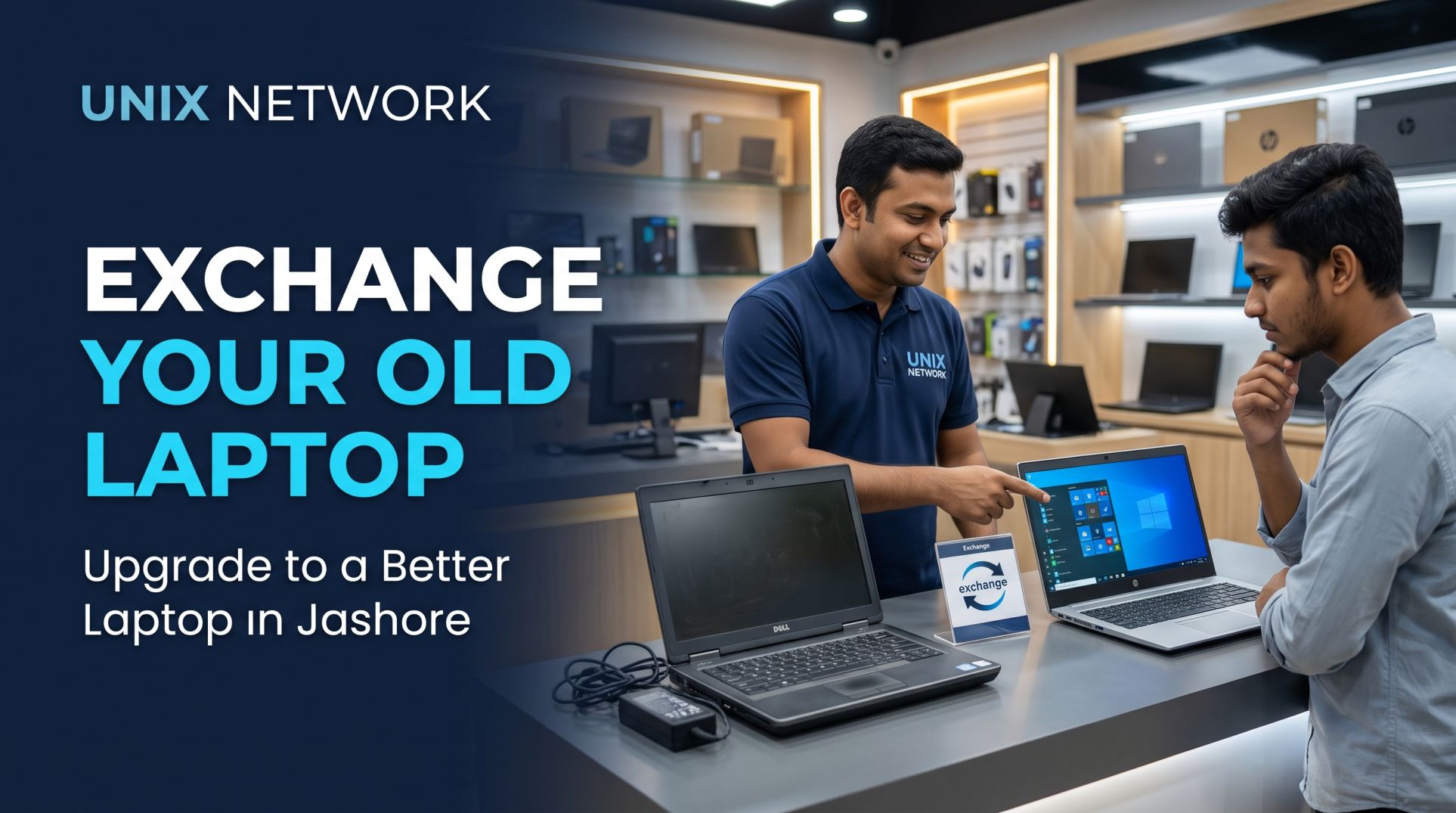
Exchange Your Old Laptop in Jashore: Upgrade to a Better Laptop with Ease
Are you planning to upgrade your laptop but don't want your old device to go to waste? Choosing to exchange your old laptop in Jashore can be a convenient way to move to a newer and more powerful device while getting value from your existing laptop.
Whether you currently own a Dell Latitude, HP EliteBook, Lenovo ThinkPad, ASUS VivoBook, Acer Aspire, or a gaming laptop, your old device may still have resale or exchange value depending on its specifications and condition.
Instead of keeping an unused laptop at home or going through the hassle of finding an individual buyer, you can explore laptop exchange opportunities at a local computer retailer. At Unix Network, we aim to help customers make informed decisions when upgrading their computers and choosing technology products that match their needs and budgets.
In this guide, we will explain how laptop exchange works, what determines your old laptop's exchange value, which devices may qualify, and what you should check before exchanging your laptop in Jashore.
Why Exchange Your Old Laptop?
Technology evolves quickly, and your computing requirements may change over time. A laptop that was suitable for everyday work a few years ago may no longer provide the performance you need today.
Here are some reasons why exchanging your old laptop can be a practical option.
1. Upgrade to a Better Laptop
If your current laptop has an older processor, limited RAM, or slow storage, exchanging it can help you move to a newer configuration.
For example, you may want to upgrade from an older Core i3 laptop to a newer Core i5 or Ryzen 5 laptop for smoother multitasking and better productivity.
2. Reduce the Cost of Your New Laptop
Your existing laptop may have exchange value. Depending on the retailer's exchange policy and the condition of your device, its evaluated value may be adjusted against the purchase price of another laptop.
This can reduce the additional amount you need to pay for an upgrade.
3. Avoid the Hassle of Selling Separately
Selling a laptop independently can involve finding buyers, answering inquiries, negotiating prices, and arranging meetings.
A laptop exchange arrangement can simplify the process by combining the evaluation of your old device with the purchase of another laptop, where the retailer offers this service.
4. Choose a Laptop That Matches Your Current Needs
Your computing requirements may have changed.
Students may need a laptop for online classes, assignments, and research.
Freelancers may require better multitasking performance.
Programmers may need more RAM and a faster processor.
Graphic designers may require better displays and graphics performance.
Business users may prefer reliable business-class laptops.
Gamers may want dedicated graphics and better cooling systems.
Exchanging your existing laptop can be an opportunity to select a configuration that better suits your current workload.
How Does a Laptop Exchange Work?
A laptop exchange generally involves evaluating your existing laptop and calculating its potential exchange value.
The process may vary depending on the retailer's policy, but these are the typical steps.
Step 1: Bring Your Old Laptop
Bring your existing laptop to the retailer for an initial assessment. Include the original charger and any available accessories.
Step 2: Laptop Inspection
The laptop is inspected to understand its actual condition and functionality.
Based on the laptop's specifications, physical condition, functionality, and current second-hand market demand, the retailer may determine an exchange offer.
Step 4: Select Your New Laptop
After receiving an exchange valuation, you can explore available laptops that match your budget and requirements.
Step 5: Pay the Remaining Amount
If the exchange offer is accepted, the evaluated value of your old laptop may be deducted from the price of the new laptop, subject to the retailer's exchange terms.
For example:
Selected new laptop price: ৳45,000
Evaluated old laptop exchange value: ৳15,000
Remaining amount: ৳30,000
This is an illustrative calculation, not an actual Unix Network exchange quotation.
What Determines Your Old Laptop's Exchange Value?
Not every used laptop has the same exchange value. Several factors influence how much a retailer may offer for your existing device.
1. Brand and Model
Popular laptop brands such as Dell, HP, Lenovo, ASUS, Acer, and Apple have different resale demand depending on the model and configuration.
Business-class models such as Dell Latitude, HP EliteBook, and Lenovo ThinkPad can attract buyers looking for professional and office-use laptops.
The exact processor model plays an important role in determining the laptop's performance and market value.
A relatively newer Core i5 or Ryzen 5 processor may be more desirable than an older Core i7, depending on their respective generations and performance.
3. RAM and Storage
Laptops with higher RAM capacity and SSD storage can be more attractive to potential buyers.
For example, a laptop with 16GB RAM and a 512GB SSD may have an advantage over a similar model with 4GB RAM and an HDD.
4. Battery Condition
Battery backup is an important consideration for buyers who need portability.
A laptop with a healthy battery may receive a better evaluation than one requiring battery replacement.
5. Display and Physical Condition
Screen defects, broken hinges, damaged keyboards, cracked bodies, and other physical problems may reduce the exchange value.
A laptop in good physical condition with fully functional components is generally easier to evaluate and resell.
6. Repair History
Previous motherboard repairs, liquid damage, GPU problems, and other major hardware repairs may affect the exchange assessment.
Always disclose known hardware problems during inspection.
Which Laptop Can You Exchange?
Depending on the retailer's exchange policy and the device's condition, several laptop categories may be considered for exchange.
Modern gaming CPU, dedicated GPU, 16GB RAM or more
These configurations are general guidelines. The best choice depends on your software, workload, and budget.
Things to Do Before Exchanging Your Old Laptop
Before handing over your laptop, take a few precautions to protect your data and make the exchange process easier.
Back Up Your Files: Transfer important documents, photos, videos, and personal files to an external drive or cloud storage.
Sign Out of Your Accounts: Sign out of Microsoft, Google, email, browser, and other personal accounts.
Remove Personal Data: Perform a proper factory reset or secure data wipe after backing up your files.
Check Your Accessories: Bring the original charger and other accessories, if available.
Check the Laptop Condition: Identify any existing problems and communicate them during inspection.
Remove Personal Storage Devices: Remove USB drives, memory cards, and external storage devices.
Confirm Exchange Terms: Understand the final exchange valuation, applicable conditions, and any additional payment before agreeing.
Why Consider Unix Network for Laptop Exchange in Jashore?
Choosing a local computer retailer can make it easier to explore laptop upgrade options and get your existing device evaluated.
Unix Network serves customers looking for computer products and technology solutions in Jashore. If you are interested in exchanging your old laptop, contact our team to confirm whether a laptop exchange service is currently available and understand the applicable terms.
When discussing an exchange, keep your laptop's specifications and condition information ready. This can help make the initial assessment more straightforward.
Our goal is to help customers find suitable technology products according to their requirements and budgets.
Frequently Asked Questions About Laptop Exchange in Jashore
1. Where can I exchange my old laptop in Jashore?
You can contact local computer retailers such as Unix Network to ask about their current laptop exchange options, eligibility requirements, and evaluation process.
2. Can I exchange my old laptop for a new one?
Depending on the retailer's exchange policy, you may be able to use the evaluated value of your existing laptop towards purchasing another laptop.
3. How is my old laptop's exchange value calculated?
Exchange value generally depends on the brand, model, processor generation, RAM, storage, battery condition, physical appearance, hardware functionality, and current market demand.
4. Can I exchange a laptop with a damaged battery?
A laptop with a weak or damaged battery may still be considered, depending on the retailer's policy. However, the battery condition can affect its exchange valuation.
5. Can I exchange a Dell, HP, or Lenovo laptop?
These are popular laptop brands in the second-hand market. Whether a specific model qualifies depends on its condition, configuration, and the retailer's current exchange policy.
6. Do I need the original charger for a laptop exchange?
Having the original charger is recommended. Missing accessories may affect the evaluation or exchange terms.
7. Can I exchange my old laptop for a higher-performance laptop?
Yes, where an exchange service is available, you can ask about upgrading to a laptop with a better processor, more RAM, SSD storage, or dedicated graphics by paying the applicable price difference.
8. Should I erase my data before exchanging my laptop?
Absolutely. Back up your important files, sign out of personal accounts, and securely erase your personal data before handing over your laptop.
Final Thoughts: Upgrade Your Laptop with Unix Network in Jashore
If your existing laptop no longer meets your requirements, exchanging it can be an alternative to selling it separately. You may be able to recover some of its value and put that amount towards a more powerful or suitable laptop.
Before making a decision, compare available models, understand your old laptop's condition, and carefully review the exchange valuation and terms.
Whether you own a Dell Latitude, HP EliteBook, Lenovo ThinkPad, ASUS VivoBook, or a gaming laptop, understanding its specifications and condition is the first step towards a better upgrade decision.
Planning to exchange your old laptop in Jashore? Contact Unix Network to learn about current laptop exchange availability and explore your upgrade options.
Unix Network – Your Destination for Computer and Technology Products in Jashore.