
Netis Router Price in Bangladesh
Showing 1 to 21 of 21 (1 Pages)

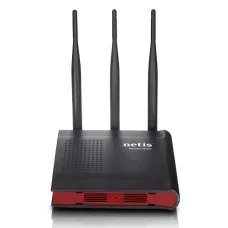


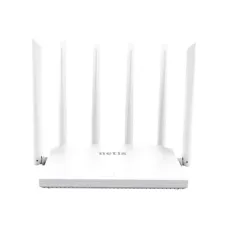
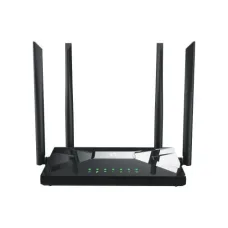
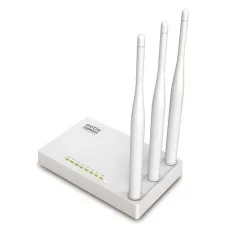
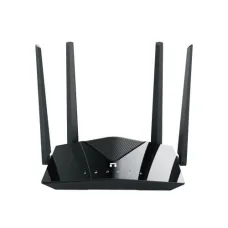
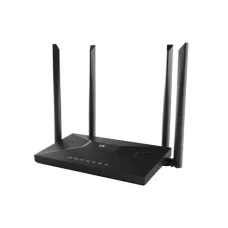
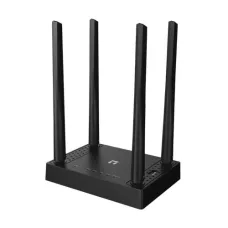
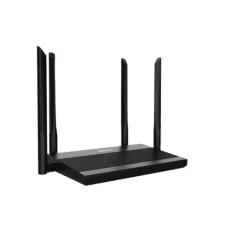
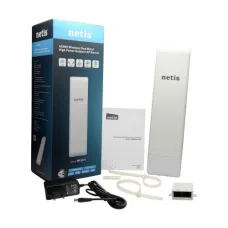
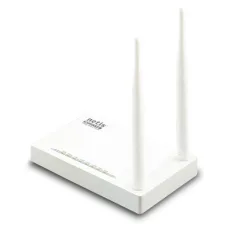
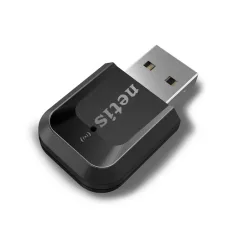
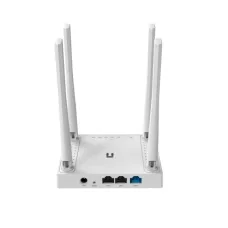
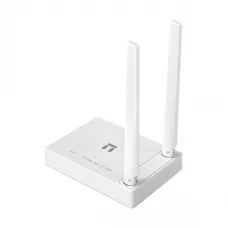
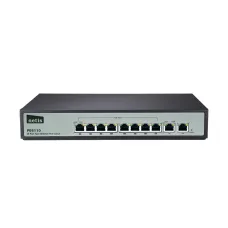
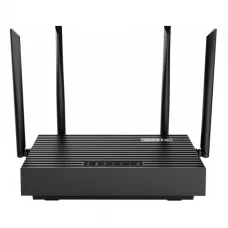
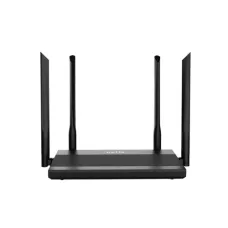
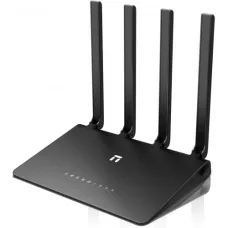

Find the Right Netis Router for Your Budget and Needs
These are the latest in-stock Netis Router at Unix Network, with the current price in Bangladesh. Open a model for specifications.
Latest Netis Router Price List in BD 2026
Netis Router Price in Bangladesh – Wi-Fi, Dual-Band, Gigabit and Fiber Internet Routers
Looking for the latest Netis router price in Bangladesh? Unix Network offers networking solutions for homes, offices, shops, educational institutions, gaming setups, CCTV systems, and fiber internet connections. Compare available Netis Wi-Fi routers by wireless speed, coverage requirements, single-band or dual-band connectivity, Ethernet port speed, and budget to find a suitable model for your network.
Whether you need an affordable wireless router for everyday browsing and online classes or a dual-band Gigabit router for high-speed broadband, choosing the right Netis router depends on your ISP connection, internet package, number of connected devices, and required Wi-Fi coverage. Explore available options at Unix Network in Jashore, Bangladesh, and order online from anywhere in the country.
Netis Router Price in Bangladesh
The Netis router price in BD varies according to the model, Wi-Fi standard, wireless speed, antenna configuration, frequency bands, Ethernet port specifications, and available networking features. Basic routers can be suitable for everyday internet use, while dual-band and Gigabit models offer additional options for busy households, offices, streaming, gaming, and compatible high-speed broadband connections.
Before purchasing a Netis router in Bangladesh, compare the available models with your internet package and ISP requirements. Check the WAN and LAN port speeds, supported wireless standards, coverage requirements, and connection settings to ensure the router meets your needs. Contact Unix Network for current prices, stock availability, and product specifications.
Netis Router Categories
Netis Wireless Routers: Suitable for browsing, social media, online classes, video streaming, and everyday home or small-office internet use.
Netis Dual-Band Routers: Compatible models support both 2.4GHz and 5GHz Wi-Fi, offering additional flexibility for connected devices and different wireless usage requirements.
Netis Gigabit Routers: Models with Gigabit WAN and LAN ports are suitable for compatible high-speed broadband connections and faster wired networking.
Netis Routers for Fiber Internet: Compatible routers can connect to an Ethernet output from an ISP-provided ONT or ONU for fiber-to-the-home broadband.
Netis Routers for CCTV: Suitable models can provide network connectivity for compatible IP cameras, NVR systems, computers, and other Ethernet or Wi-Fi devices.
Netis Home and Office Routers: Useful for connecting smartphones, laptops, desktop computers, smart TVs, printers, and other compatible devices in homes, shops, and small businesses.
Why Buy a Netis Router in Bangladesh?
Netis offers router options for different budgets and networking requirements. Depending on the selected model, you can choose wireless connectivity for everyday internet access, dual-band Wi-Fi for compatible devices, or Gigabit Ethernet ports for higher-speed wired connections.
Netis routers can be suitable for browsing, YouTube, online classes, video calls, office work, freelancing, gaming, streaming, and compatible CCTV network setups. Supported installation and security features vary by model, so review the manufacturer's specifications before making a purchase.
Netis Dual-Band and Gigabit Router Features
2.4GHz Wi-Fi: Commonly provides useful coverage for everyday internet access and compatible devices, although actual range depends on interference, obstacles, and router placement.
5GHz Wi-Fi: Available on dual-band models and can offer higher wireless performance in suitable conditions, particularly for compatible devices closer to the router.
Gigabit WAN Port: Supports Ethernet link speeds of up to 1000Mbps on compatible models and is generally recommended for broadband packages above 100Mbps when you want to avoid the 100Mbps limit of a Fast Ethernet WAN port.
Gigabit LAN Ports: Provide high-speed wired connectivity for compatible desktop computers, smart TVs, gaming consoles, NVRs, and other network devices.
Dual-Band Connectivity: Allows compatible devices to use the 2.4GHz or 5GHz band according to the router configuration, device support, and network conditions.
Wireless Security: Supported security features help protect your wireless network. Available encryption standards and network management options depend on the specific router model and firmware.
Netis Router for Fiber Internet in Bangladesh
A compatible Netis router can work with fiber internet when your ISP provides an Ethernet connection through an optical network terminal (ONT) or optical network unit (ONU). Most standard Ethernet WAN routers do not accept a fiber-optic cable directly, so the fiber line generally connects to the ONT or ONU before connecting to the router.
Typical fiber internet setup:
Fiber Internet → ONT/ONU → Netis Router → Wired and Wireless Devices
Before configuring the router, confirm your ISP's connection requirements. Depending on the service, you may need PPPoE credentials, DHCP, a static IP address, VLAN tagging, MAC address registration, or other settings. Router support for these options varies by model and firmware.
How to Choose the Best Netis Router in Bangladesh
Check your ISP's connection type and required WAN settings before selecting a router. Match the router's Ethernet port speed with your broadband package, and consider whether single-band or dual-band Wi-Fi better suits your connected devices.
Estimate the coverage required for your home, office, or shop and consider the number of devices that will use the network simultaneously. For higher-speed broadband, look for a model with Gigabit WAN and LAN ports where needed. Also review supported security features, firmware availability, guest network options, and any VLAN or PPPoE requirements specified by your ISP.
Netis Router Setup and Security Tips
To install a Netis router, connect the Ethernet cable from your modem, ONT, or ONU to the router's WAN port. Power on the router and connect your computer or smartphone using Wi-Fi or an Ethernet cable. Open the router's management page using the address and login details provided on its label or in the user manual.
Select the internet connection type required by your ISP, such as PPPoE, DHCP, or static IP. If PPPoE is required, enter the credentials supplied by your ISP. Configure your Wi-Fi network name and a strong password, save the settings, and test the internet connection.
For improved network security, change the default administrator password, use a strong wireless password and the best supported encryption option, and install appropriate firmware updates when available. Disable remote administration if it is not needed, use guest Wi-Fi when supported, and position the router in a central, elevated, open, and well-ventilated location for better wireless coverage.
Frequently Asked Questions About Netis Routers
Can I use a Netis router with fiber internet?
Yes. A compatible Netis router can usually connect to fiber broadband through an ONT or ONU with an Ethernet output. Check your ISP's requirements for PPPoE, DHCP, static IP, VLAN, and other connection settings.
Do I need a Gigabit Netis router for internet above 100Mbps?
A router with a Gigabit WAN port is generally recommended for internet packages above 100Mbps. A Fast Ethernet WAN port has a theoretical link-speed limit of 100Mbps, so it can restrict the usable bandwidth of a faster connection.
Can a Netis router support gaming and streaming?
Yes. A suitable Netis router can connect compatible gaming PCs, consoles, smart TVs, and streaming devices. Gaming latency and streaming quality also depend on your ISP, server location, internet package, Wi-Fi signal, and network congestion.
How can I improve Netis router Wi-Fi coverage?
Place the router in a central, elevated location away from major obstructions and sources of interference. For larger homes, offices, or multi-floor buildings, consider compatible access points or a suitable mesh Wi-Fi system.
Can I connect an Ethernet switch to a Netis router?
Yes. You can usually connect a compatible Ethernet switch to a router's LAN port to add wired connections for computers, printers, smart TVs, CCTV cameras, NVR systems, and other network devices.