
Laptop Cooler Price in Bangladesh
Showing 1 to 24 of 43 (2 Pages)
A laptop cooler is an accessory designed to help improve airflow around a laptop and assist with heat management during use. It can be particularly useful when a laptop is placed on a surface that restricts airflow or when the device is regularly used for demanding workloads such as gaming, video editing or other intensive applications. Some coolers use built-in fans, while others primarily raise the laptop to improve airflow. A laptop cooler is not essential for every user, but it can be a useful addition when heat and ventilation are concerns.
A suitable laptop cooling pad can help improve airflow underneath the machine and may assist with heat management during longer gaming sessions. Gaming laptops can generate considerable heat when the processor and graphics hardware are under sustained load. However, a cooling pad is not a replacement for a properly functioning internal cooling system. Keeping the laptop's vents clean and using it on a suitable surface are also important. The effectiveness of an external cooler can vary depending on the laptop's design and the particular cooling pad.
Start by checking the physical size of your laptop and comparing it with the cooler's supported screen-size range. You should also consider the cooler's fan arrangement, build quality, USB connectivity, adjustable height and overall design. A 14-inch laptop may not require the same size of cooling pad as a larger 15.6- or 17-inch model. Your usage should also influence the choice. A basic cooler may be enough for everyday work, while someone who regularly games or performs demanding tasks may prefer a more substantial cooling solution.
A cooling pad normally combines a raised platform with one or more fans that actively move air beneath the laptop. A laptop stand may simply elevate the computer to improve positioning and airflow without using powered fans. A stand can be useful for improving desk ergonomics and creating space underneath the laptop, while a fan-equipped cooling pad is more focused on additional airflow. The better option depends on whether your priority is cooling, screen positioning, portability or a combination of these factors.
Yes. Laptop coolers are available in different sizes and designs, so they can be used with many types of laptops. A gaming laptop may benefit from a larger or more capable cooling pad during demanding workloads, while a standard office or study laptop may only need a simple raised stand or basic fan cooler. Unix Network's current category includes models from brands such as Cooler Master, DeepCool, Havit, Orico, Thermaltake and others, with options covering different laptop sizes and requirements
Laptop cooler prices in Bangladesh vary according to the brand, design, fan configuration, materials, size and additional features. Unix Network's current catalogue includes budget-friendly models as well as more premium cooling solutions. For example, the category currently lists products such as the Blackcat BC1 at ৳600, Cooler Master Notepal CMC3 at ৳900 and Cooler Master Notepal U2 PLUS V2 at ৳2,200, while prices and availability can change over time. It is therefore better to compare the cooler's compatibility and features alongside its current price.
Yes, but you should check the cooler's supported laptop size before purchasing. Unix Network's current category includes coolers designed for different display sizes, including products listed for 14-inch and 15.6-inch laptops, as well as models supporting larger machines. The physical dimensions of the cooling pad and the position of its fans are also worth considering, particularly if your laptop has vents in a specific location.
A laptop cooler does not directly make the processor or graphics card more powerful. Its purpose is to assist with heat management. If a laptop becomes excessively hot during demanding workloads, thermal limits can affect sustained performance. Improving airflow may help the system manage heat more effectively, although the actual benefit varies between laptops and cooling pads. A cooler should therefore be viewed as a supporting accessory rather than a performance upgrade in the same way as adding RAM or replacing an SSD.
Regular cleaning can help keep a cooling pad working properly. Dust can accumulate around fan blades, ventilation openings and the surface of the cooler, reducing airflow over time. Disconnect the cooler from its power source before cleaning and use an appropriate dry cleaning method to remove dust from accessible areas. Avoid forcing liquid into the fan or electronic components. It is also useful to keep the laptop's own ventilation openings clear, as an external cooling pad cannot compensate for heavily blocked internal vents.
You can browse the laptop cooler range on Unix Network and compare available models, brands, sizes and prices before ordering. The current category includes a range of cooling pads and related laptop cooling products, with options from several recognised accessory brands. Unix Network also has a showroom in Jashore, which can be useful for local customers who want to enquire about availability or choose a suitable laptop accessory in person. Customers elsewhere in Bangladesh can use the online store and available delivery options.
Refine Search

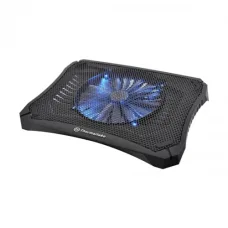
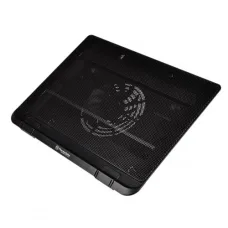
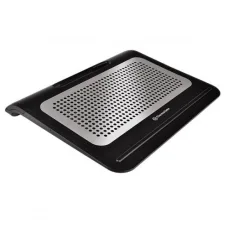
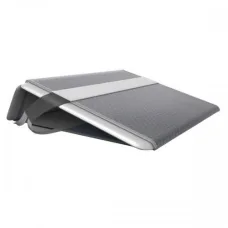
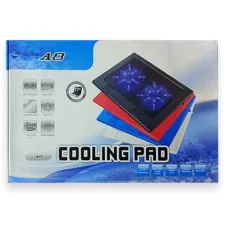
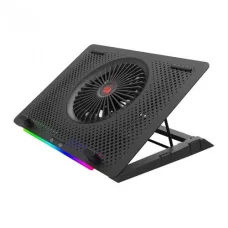


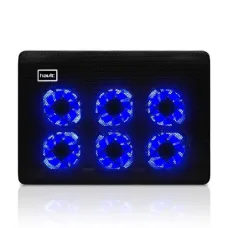
Havit HV-F2060 15.4″ Laptop Cooler
৳1,164 ৳1,200


Havit F2082 Gamenote Gaming Laptop Cooling Pad
৳1,261 ৳1,300

Havit F2081 Gaming Laptop Cooling Pad
৳1,455 ৳1,500

Havit F2081 Black Laptop Cooler
৳1,261 ৳1,300

Havit F2076 Gaming Laptop Cooler
৳1,164 ৳1,200

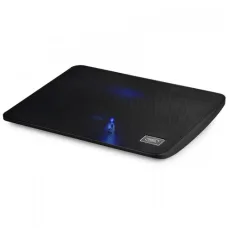
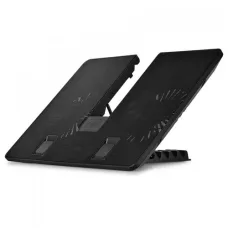
DeepCool U PAL Laptop Cooler
৳1,300



Find the Right Laptop Cooler for Your Budget and Needs
These are the latest in-stock Laptop Cooler at Unix Network, with the current price in Bangladesh. Open a model for specifications.